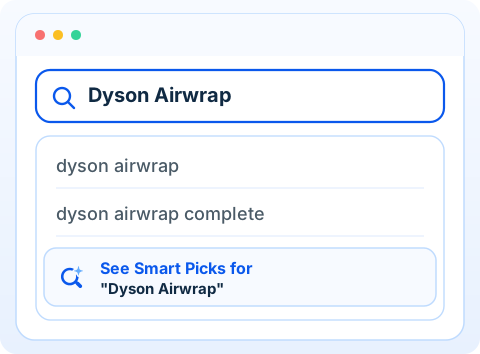
- dyson airwrap
- dyson airwrap complete
- See Smart Picks for “Dyson Airwrap”

One extra option in search
Search normally — or see what creators recommend.
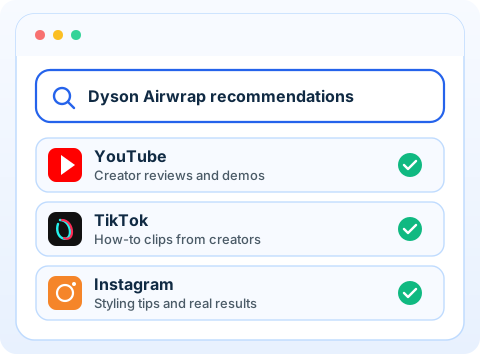
Smart Picks adds one dedicated suggestion to autocomplete. Pick it to discover recommendations from YouTube, TikTok and Instagram. Skip it and search as usual.
- You stay in control
- Regular search unchanged
- Creator recs on demand
How it works
Type as usual. Pick the extra row.
That’s the whole product.
Search the way you already do.
Type a query in the address bar — a product, a place, anything you’d look up.
Choose the Smart Picks row.
Regular suggestions stay. Smart Picks adds one extra option — only that row changes the query.
See creator recommendations.
Results focus on YouTube, TikTok and Instagram — creator recs, not a social feed.
What it stands for
Built like search.
Tuned for creators.
Not a social network. Not a heavy AI product. Just one clear option when you want to know what creators recommend.
- Safe You choose the extra suggestion. Regular search stays put.
- Reliable One dedicated row. No noisy overlay on every keystroke.
- Smart discovery See Smart Picks for whatever you just typed.
- Creators first YouTube · TikTok · Instagram — recommendations, not a feed.
Smart Picks adds one simple option to your search — to see what creators recommend.
Add to Chrome — It’s Free